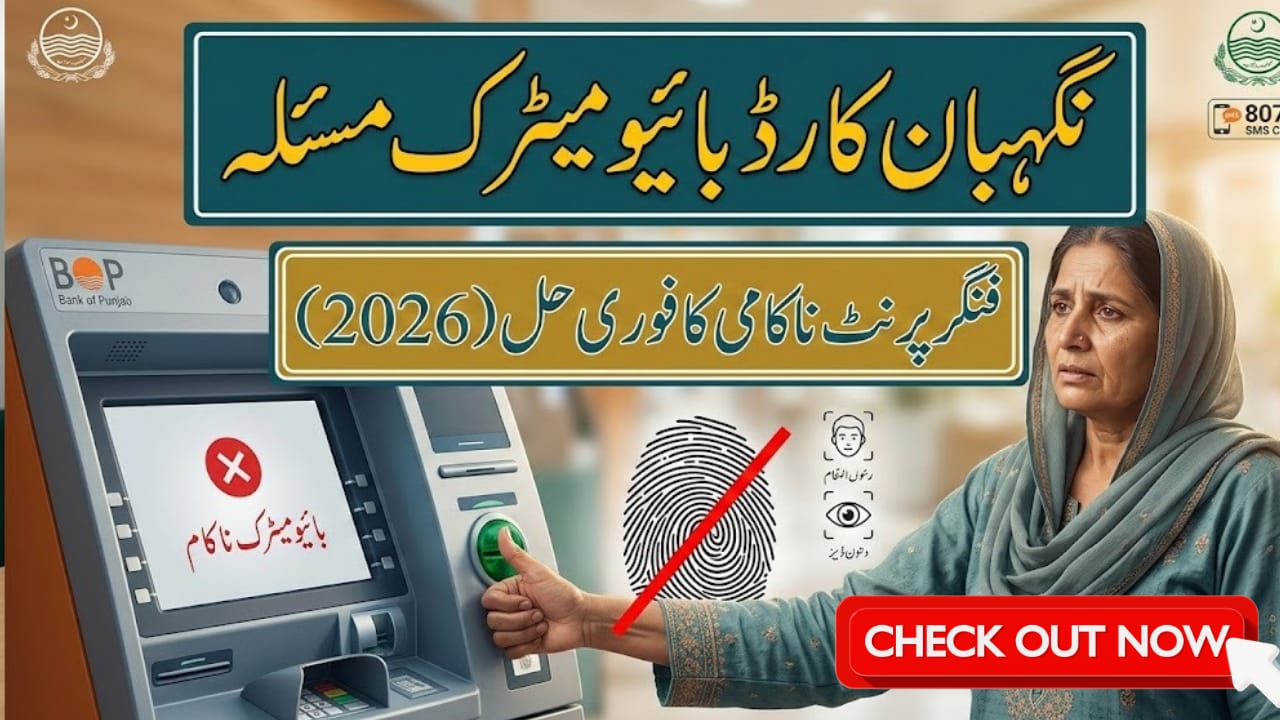

Nigehban Card Biometric Issue
The Nigehban Card Program 2026, launched by the Punjab Government under Chief Minister Maryam Nawaz, is providing vital support to millions of families. Beneficiaries receive Rs. 10,000 cash grants and Ramadan ration bags, but many are experiencing biometric verification failures at ATMs or retailer shops. This guide explains why your fingerprints may not be recognized and provides official step-by-step solutions to fix the issue so you can access your relief without delay.

Table of Contents
Read Also: EOBI Contribution Rates & Calculation
| Feature | Official Update 2026 |
| Cash Assistance | Rs. 10,000 (One-time Salami) |
| Ration Bag | 10kg Flour, 2kg Sugar, 2kg Ghee, Pulses |
| Eligibility Code | SMS CNIC to 8070 |
| Complaint Helpline | 0800-02345 / 1000 |
| Alternative Verification | Facial Scan / Iris Scan (NADRA) |
| Withdraw Without Card | Use CNIC & biometric at BOP ATMs / HBL Konnect / UBL Omni |
| Official Portal | https://pser.punjab.gov.pk |
| Notes | Clean hands, check scanner, use manual verification if needed |
Why is Your Nigehban Card Biometric Failing?
Before attempting a fix, it’s important to understand why your fingerprint might be rejected:
- 1. Worn-out Fingerprints: Common among elderly citizens or manual laborers.
- 2. Skin Conditions: Dry skin, cuts, or excessive sweating can interfere with scanners.
- 3. Outdated NADRA Record: Fingerprints not updated for many years may cause errors.
- 4. Technical Errors: Dirt or dust on ATM or retailer biometric scanners.
Step-by-Step Guide to Fix Fingerprint Failure in 2026
Follow these official solutions immediately if your fingerprint is not recognized:
- NADRA “Big Relief” Update 2026
NADRA now allows facial recognition or iris scanning for individuals with permanent fingerprint issues. Visit any NADRA center to request this alternative. A 7-day certificate or digital bypass can also be issued for a small fee (around Rs. 20). - Use the PAK-ID Mobile App
The updated 2026 version of the app allows mobile-based fingerprint capture that can sync with the central database better than old scanners. - Visit BISP/PSER Tehsil Office
If repeated attempts fail, local Tehsil offices linked with PSER and BISP can mark your case for manual verification. - Clean and Prepare
Simple measures often help:- Wash and dry your hands completely.
- Apply a small amount of moisturizer if skin is too dry.
- Ensure the scanner glass is clean before use.
How to Withdraw Cash Without a Card (Biometric Only)
Even without the physical Nigehban Card, your cash can be withdrawn using your original CNIC and biometric verification at:
- Bank of Punjab (BOP) ATMs
- HBL Konnect or UBL Omni shops
- Designated P-SER distribution centers
Important Note: If an ATM scanner fails, try authorized retail agents like HBL Konnect, as their machines are often more sensitive and better for elderly users.
How to Check Your Current Status
- Send your 13-digit CNIC to 8070.
- Responses you may get:
- Eligible: Your money is ready; the issue is only with your fingerprint.
- Under Verification: Wait for NADRA data to sync before attempting withdrawal.
Official Helpline & Contact Information
- PSER Portal: https://pser.punjab.gov.pk
- Complaint Helpline: 0800-02345 / 1000
- NADRA Centers: Visit any center for facial or iris scan alternative
- Local Tehsil Office: For manual verification and guidance
Additional Tips to Avoid Biometric Failures
1. Keep Your Records Updated: Ensure NADRA fingerprints and PSER data are current.
2. Avoid Scams: Do not share OTPs or PINs with anyone claiming to fix biometric issues.
3. Use Official Channels Only: Rely on authorized banks and retail agents for withdrawals.
4. Monitor Updates: Regularly check official portal for latest 2026 guidelines.
Conclusion
The Nigehban Card Program 2026 is essential for families relying on cash grants and ration support, especially during Ramadan. Biometric failures can be frustrating but are fixable through NADRA’s new facial/iris scanning, the PAK-ID app, or manual verification at Tehsil offices. Follow official instructions, keep your CNIC and biometric data updated, and use authorized agents to receive your assistance without delay.
FAQs
Why is my Nigehban Card fingerprint not recognized?
Common causes include worn-out fingerprints, skin issues, outdated NADRA records, or dirty scanners.
Can I withdraw cash without my Nigehban Card?
Yes, using your CNIC and biometric verification at BOP ATMs, HBL Konnect, UBL Omni, or PSER centers.
What alternatives are available if fingerprints fail permanently?
NADRA offers facial recognition or iris scanning and a 7-day manual verification certificate.
How do I check if the problem is technical or eligibility-related?
Send your 13-digit CNIC to 8070. “Eligible” means the issue is only biometric; “Under Verification” requires waiting for data sync.
Latest Updates
 Breaking: 8171 Fresh March Update 2026 – Check Rs.13,500 Payment via BISP Portal
 Breaking: BISP 8171 Eid Payment 14500 Start Today – Check Online & Latest Update 2026
 Breaking News: Petrol Diesel Prices in Pakistan May Rise Before Next Update – New Petrol Price Forecast 2026
 Breaking: NADRA CNIC Smart Card Check New Features March 2026 – Complete Step-by-Step Guide
 Breaking News: Livestock Card Third Installment 2026 Released – Check Eligibility & Payment Method Now
 Breaking: BOP Announced ATM Cardfor BISP 2026 Payment (Step-by-Step Guide)