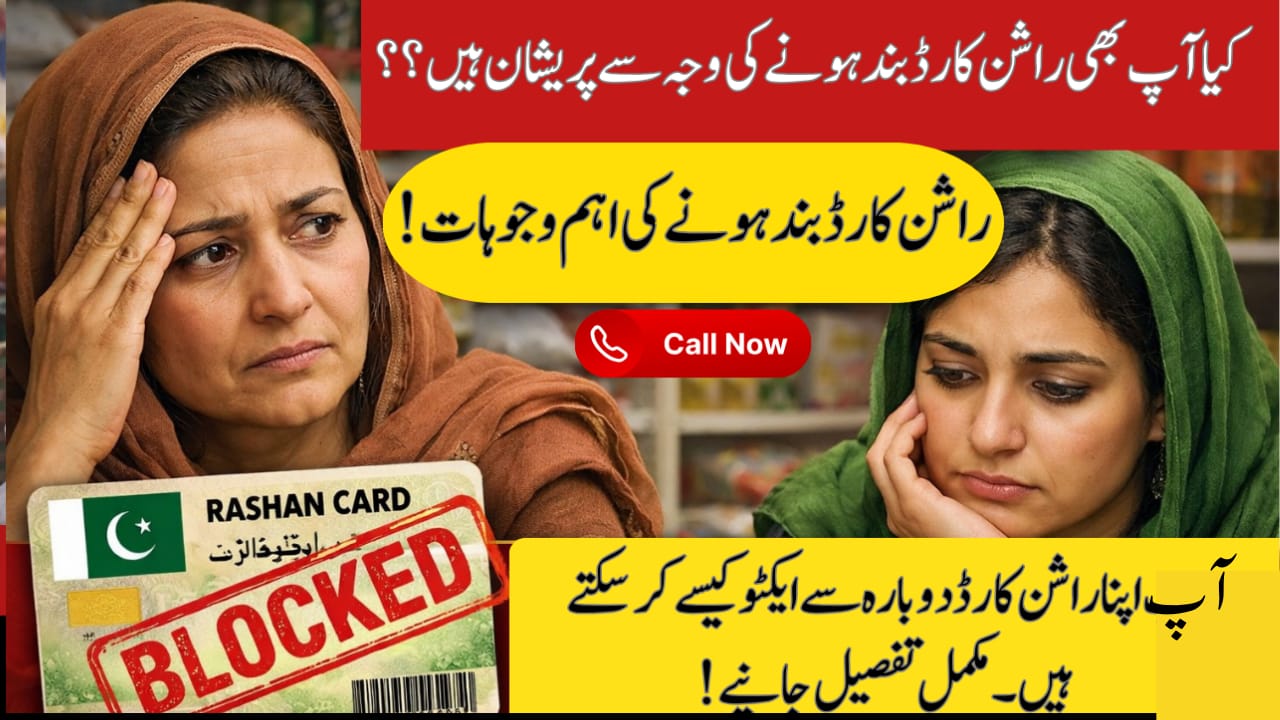

Rashan Card Blocked
In 2026, the Punjab Government has completely updated how really deserving families get their Ramadan support. The new Ramadan Nigehban Card and Punjab Socio‑Economic Registry (PSER) system now decide who gets the Rs. 10,000 cash grant and free ration bag. However, many people are frustrated because their Rashan Card is blocked or they see a “Not Eligible” message even when they qualify. In this guide — based on official Punjab Government info and top Google sources you’ll learn why your card might be blocked and exactly how to reactivate it before the deadline.

Table of Contents
Read Also: 9999 PM Ramzan Package 2026
Quick Reference: 2026 Rashan Status Check
| Method | Use |
| SMS to 8070 | Check status: Eligible / Blocked / Update Required |
| PSER Portal | Full details & profile update |
| Helpline | Live help and appeal |
| Activation Centres | Biometric re‑verification |
What Is PSER & Why Your Rashan Card Could Be Blocked
The Punjab Socio‑Economic Registry (PSER) is the official database used to decide who receives Ramadan relief including the Nigehban Card and Rashan Subsidy. The system uses real-time data from NADRA and other agencies, so mismatches lead to blocks.
Common Blockage Causes
- Your PSER survey or NSER/BISP data is outdated.
- Your income appears above the eligibility threshold.
- The mobile number linked to your CNIC isn’t correctly registered.
- Travel or relocation data shows changes.
- Your biometrics weren’t completed.
If any of these apply, the system marks your card as “Blocked” or “Not Eligible”, even if you deserve help.
How to Check Rashan / Nigehban Card Status (Official Ways)
1) SMS Check (Fastest)
- Open your phone’s SMS app.
- Type your 13‑digit CNIC (no dashes).
- Send to 8070.
- You’ll receive your status instantly.
2) Online Portal
- Visit the official portal: https://pser.punjab.gov.pk
(Official PSER portal used by Punjab Govt) - Enter your CNIC.
- See your eligibility and block reason on screen.
3) Helpline
- Call the official helpline 0800‑02345 for live assistance.
Steps to Reactivate Your Blocked Rashan Card (2026 Process)
Follow these steps exactly to fix your status and secure your Ramadan support.
Step 1: Update Your PSER Profile
Most blocks happen due to outdated or incorrect details.
- Log in to pser.punjab.gov.pk.
- Look for “Action Required” alerts.
- Update your details (especially income and household info).
- Submit the form again for verification.
This fresh submission tells the system to re‑evaluate your eligibility.
Step 2: Complete Biometric Re‑Verification
If your card is blocked due to identity mismatch or lack of thumb verification:
- Visit your nearest Khidmat Markaz or Tehsil office.
- Ask for “Nigehban Card Biometric Update”.
- Provide your fingerprint on the official scanner.
- Status usually updates in 48 hours.
Step 3: Appeal Through 8070 Complaint Cell
If you believe the block is incorrect — e.g., system thinks you own a car or have a high income:
- Call 0800‑02345 and request to file an appeal.
- Provide your PSER Complaint ID from the portal.
- A field officer may visit to verify your household details.
Appeals help correct system errors before the deadline.
Documents You Should Take When Visiting In‑Person
When going for biometric updates or appeals, bring:
- Your original CNIC
- Original B‑Forms of children
- Latest Electricity Bill
- Death Certificate (if applying as a widow)
These help you prove your situation on the spot.
Helpline & Contact (Official Sources)
Here are the key official support options you can use:
- PSER Portal: https://pser.punjab.gov.pk (official eligibility and reactivation)
- SMS Code: 8070 (quick check from phone)
- Toll‑Free Helpline: 0800‑02345 (Punjab Government support)
- BOP Customer Support: 042‑111‑267‑200 (for Nigehban Card issues)
When Is the Reactivation Deadline?
To receive your Ramadan 2026 package — including the Rs. 10,000 grant, free ration bag, and subsidies — you must complete all updates and appeals by February 28, 2026. Applications after this date may still be considered but may only get partial or delayed support.
Conclusion
Getting your Rashan Card blocked can be frustrating — especially when you need support most. But with the official PSER portal, 8070 SMS check, and 0800‑02345 helpline, you can easily diagnose and fix the issue. Update your profile, complete biometric verification, and appeal if needed. This official process is designed to help deserving families — so don’t delay reactivating your status before the deadline.
FAQs
1. What should I do if my Rashan Card says “Not Eligible”?
Check your block reason via 8070 or the PSER portal and make required updates.
2. Can someone else update my PSER data for me?
Yes, but you should be present for biometric verification for identity match.
3. Is there any fee for reactivation or registration?
No — all PSER updates and admission into the Nigehban program are free.
4. What if I lose my Nigehban Card?
Contact the helpline 0800‑02345 or visit a Bank of Punjab branch for replacement help.
Latest Updates
 Breaking: 8171 Fresh March Update 2026 – Check Rs.13,500 Payment via BISP Portal
 Breaking: BISP 8171 Eid Payment 14500 Start Today – Check Online & Latest Update 2026
 Breaking News: Petrol Diesel Prices in Pakistan May Rise Before Next Update – New Petrol Price Forecast 2026
 Breaking: NADRA CNIC Smart Card Check New Features March 2026 – Complete Step-by-Step Guide
 Breaking News: Livestock Card Third Installment 2026 Released – Check Eligibility & Payment Method Now
 Breaking: BOP Announced ATM Cardfor BISP 2026 Payment (Step-by-Step Guide)