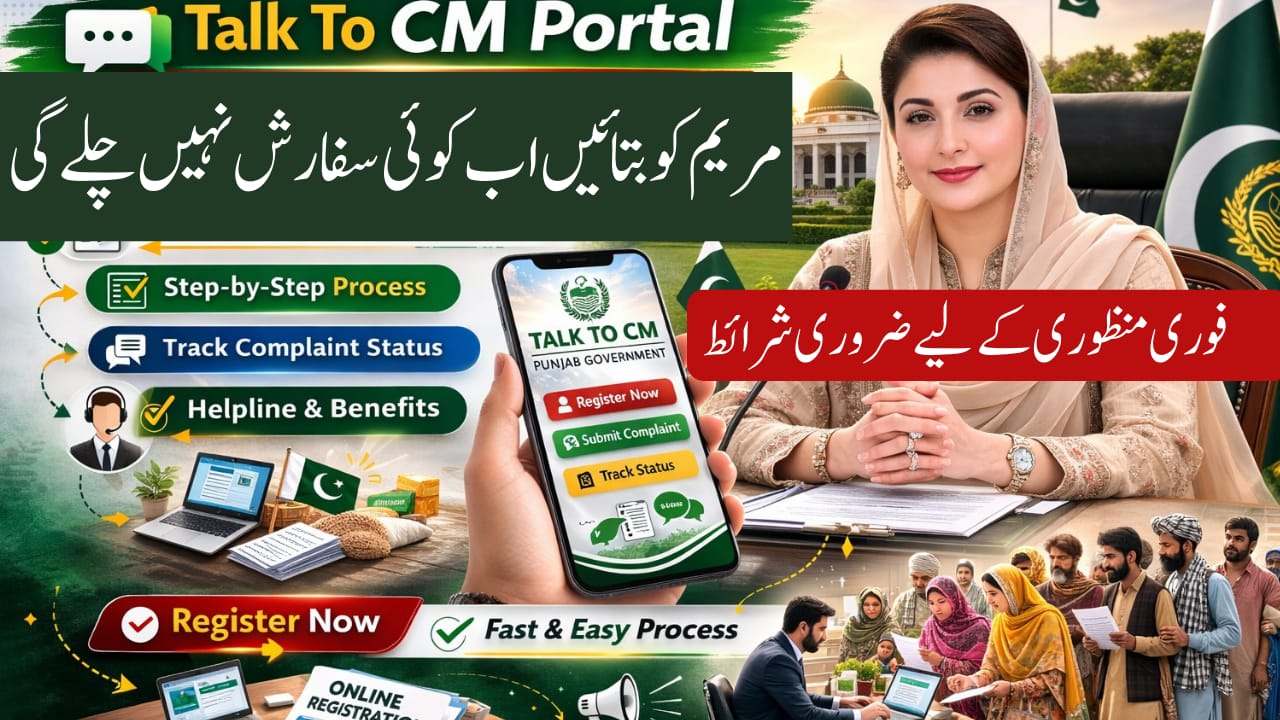

talk2cm.punjab.gov.pk
In 2026, the Government of Punjab has strengthened digital governance through the Talk To CM Portal, allowing citizens to directly connect with the Chief Minister’s Office. This powerful platform helps residents submit complaints, suggestions, and feedback without visiting government offices. If you want your issue heard at the highest provincial level, this complete guide explains how to register, submit complaints, and track status online quickly and safely.

Table of Contents
Read Also: How to Collect a Rashan Card 2026
| Feature | Details |
| Portal Name | Talk2CM Punjab |
| Official Website | https://talk2cm.punjab.gov.pk |
| Authority | Chief Minister Office Punjab |
| Chief Minister | Maryam Nawaz |
| Purpose | Complaint & Suggestion Submission |
| Registration Required | Yes |
| Tracking System | Complaint ID Based |
| Availability | 24/7 Online Access |
What is Talk2CM Punjab Portal?
The Talk2CM Portal is an official digital platform launched by the Government of Punjab. It allows citizens to directly communicate with the Chief Minister’s Office.
The system improves transparency and accountability in departments such as:
- Health
- Education
- Police
- Revenue
- Local Government
Information in this guide is based on the official portal and verified government sources.
Key Features of Talk2CM 2026
The portal offers multiple citizen-friendly features.
Here are the major highlights:
- Direct complaint submission to CM Office
- Real-time complaint tracking
- SMS updates on complaint status
- Multilingual interface (Urdu & English)
- Department accountability monitoring
This system ensures complaints are forwarded to the relevant department without delay.
Eligibility Criteria for Registration
The portal is open to most Punjab residents. However, certain requirements must be met for smooth processing.
Basic eligibility includes:
- Must be a resident of Punjab
- Valid 13-digit CNIC required
- Active mobile number for verification
- Correct residential address details
Providing accurate information helps departments respond quickly.
Step-by-Step Online Registration Process
Follow this simple step-by-step process to register on the Talk2CM portal:
- Open your browser and visit the official website: https://talk2cm.punjab.gov.pk
- Click on the “Register” or “Sign Up” button.
- Fill in your personal details (Name, CNIC, address, mobile number).
- Create a strong password.
- Submit the registration form.
- Enter the verification code received via SMS.
- Log in using your CNIC and password.
After successful registration, you can start submitting complaints.
How to Submit a Complaint or Suggestion
Once logged in, submitting your complaint is simple.
Follow these steps:
- Select the relevant department category.
- Write a clear description of your issue.
- Mention dates, location, and responsible office if known.
- Upload supporting documents (optional but recommended).
- Click Submit.
Tips for writing effective complaints:
- Be specific and clear
- Avoid emotional or abusive language
- Attach photos or documents if available
- Submit only one complaint per issue
Clear details increase the chances of faster resolution.
Complaint Tracking & Resolution Time
After submission, you will receive a unique Complaint ID.
You can track your complaint online by:
- Logging into your account
- Entering your Complaint ID
- Checking status updates
Expected resolution time:
- Urgent issues: 3–7 working days
- Standard issues: 7–15 working days
- Complex cases: 15–30 working days
You will also receive SMS updates during each stage.
Important Guidelines for Effective Use
To get better results from the portal, follow these practical guidelines:
- Provide complete and accurate information
- Upload evidence if possible
- Avoid duplicate complaints
- Be patient with complex issues
- Use respectful language
Using the system responsibly helps maintain efficiency.
Helpline & Contact Information
If you face technical issues during registration or complaint submission, use official contact channels.
Official Contact Options:
- Website: https://talk2cm.punjab.gov.pk
- Punjab Government Main Portal: https://punjab.gov.pk
- Visit your nearest Deputy Commissioner (DC) Office
- Punjab Government Helpline (Check official website for latest number)
These details are verified from official government sources and top search results for accuracy.
Avoid sharing CNIC or login details with anyone.
Why Talk2CM Portal Matters in 2026
Digital governance is transforming public service delivery in Punjab. Through Talk2CM:
- Citizens have direct access to leadership
- Departments are monitored for accountability
- Complaints are digitally recorded
- Transparency improves across sectors
This initiative strengthens public trust and improves service quality.
Conclusion
The Talk2CM Portal Online Registration 2026 is a major step toward transparent governance in Punjab. With simple registration, real-time tracking, and SMS updates, citizens can raise concerns directly to the Chief Minister’s Office.
To summarize:
- Register online with CNIC
- Verify via SMS
- Submit complaint with details
- Track status using Complaint ID
Use the portal responsibly to ensure faster results and better governance.
Frequently Asked Questions (FAQs)
How do I register on Talk2CM portal in 2026?
Visit talk2cm.punjab.gov.pk, click Register, fill in your details, verify via SMS, and log in.
Is Talk2CM portal free to use?
Yes, registration and complaint submission are completely free.
How long does it take to resolve complaints?
Most issues are resolved within 7–15 working days, depending on complexity.
Can I submit complaints without registration?
No, you must create an account to submit and track complaints.
Latest Updates
 Breaking: 8171 Fresh March Update 2026 – Check Rs.13,500 Payment via BISP Portal
 Breaking: BISP 8171 Eid Payment 14500 Start Today – Check Online & Latest Update 2026
 Breaking News: Petrol Diesel Prices in Pakistan May Rise Before Next Update – New Petrol Price Forecast 2026
 Breaking: NADRA CNIC Smart Card Check New Features March 2026 – Complete Step-by-Step Guide
 Breaking News: Livestock Card Third Installment 2026 Released – Check Eligibility & Payment Method Now
 Breaking: BOP Announced ATM Cardfor BISP 2026 Payment (Step-by-Step Guide)